



















National Meetings

Seasonal Meetings
ADMSEP’s Virtual Fall Meeting
August 26, 2025, 3:30-5 PM CT
Well, That's New: Special Topics in Advising
Abstract submission: closed
Past Meetings
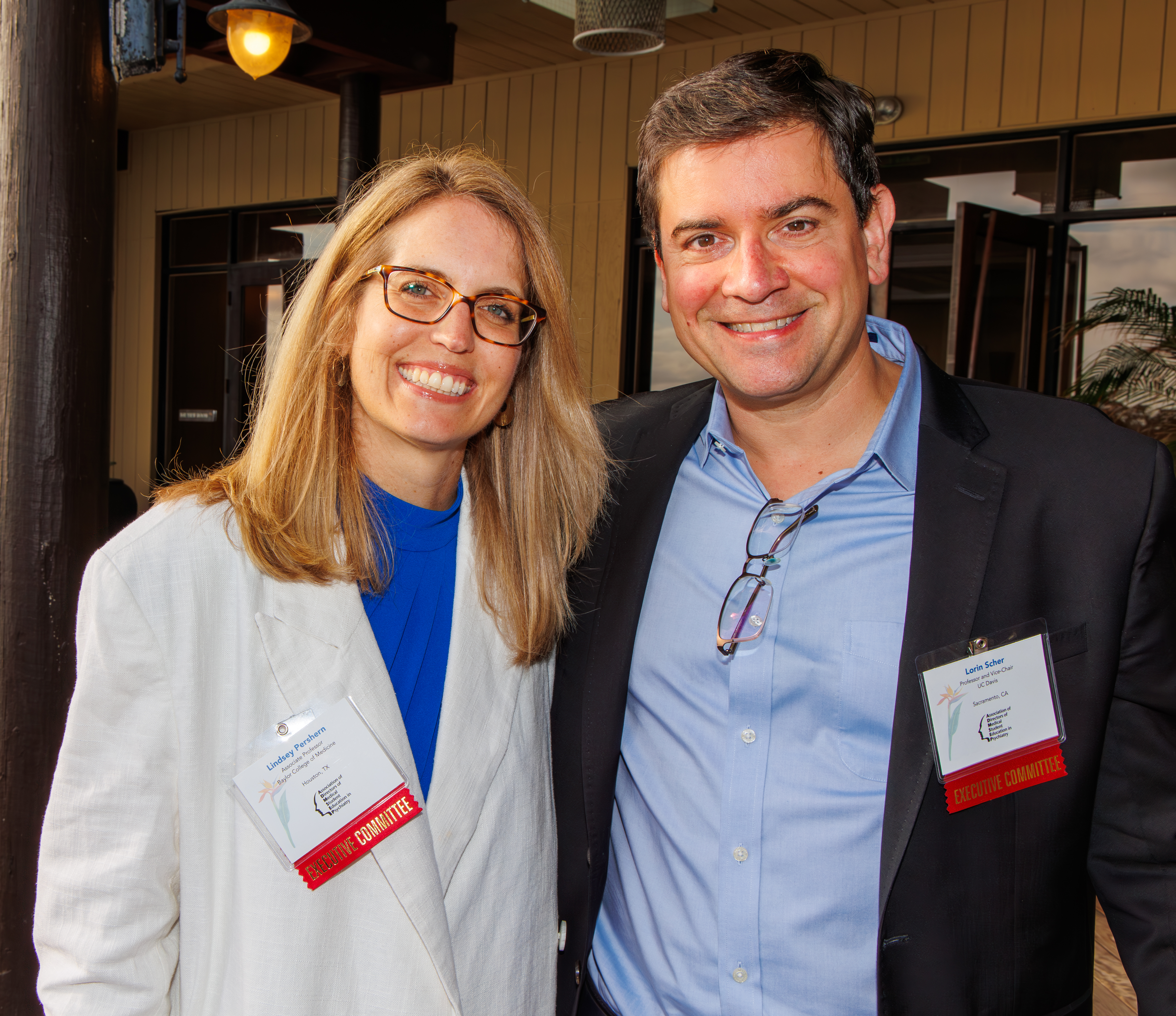
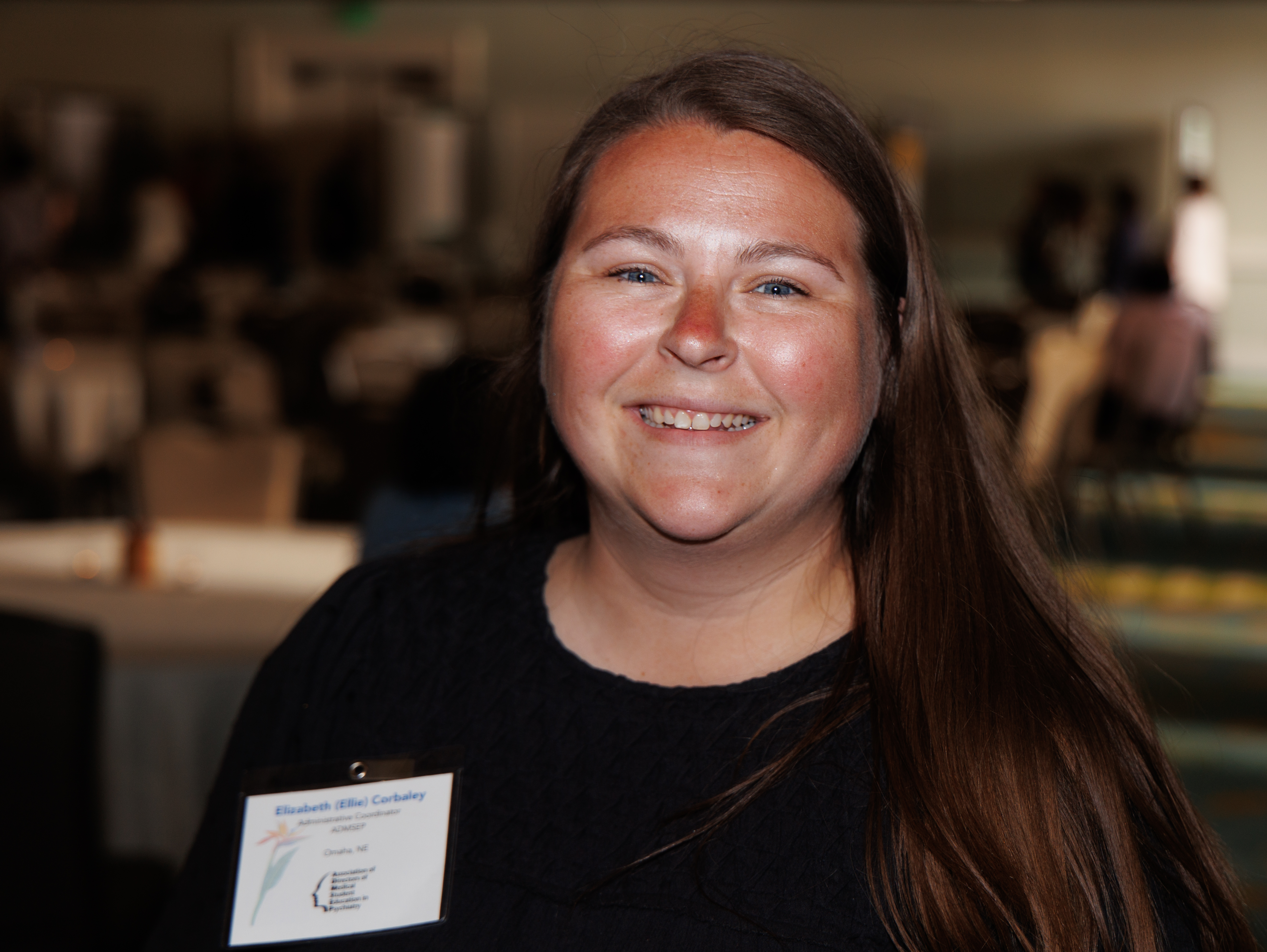
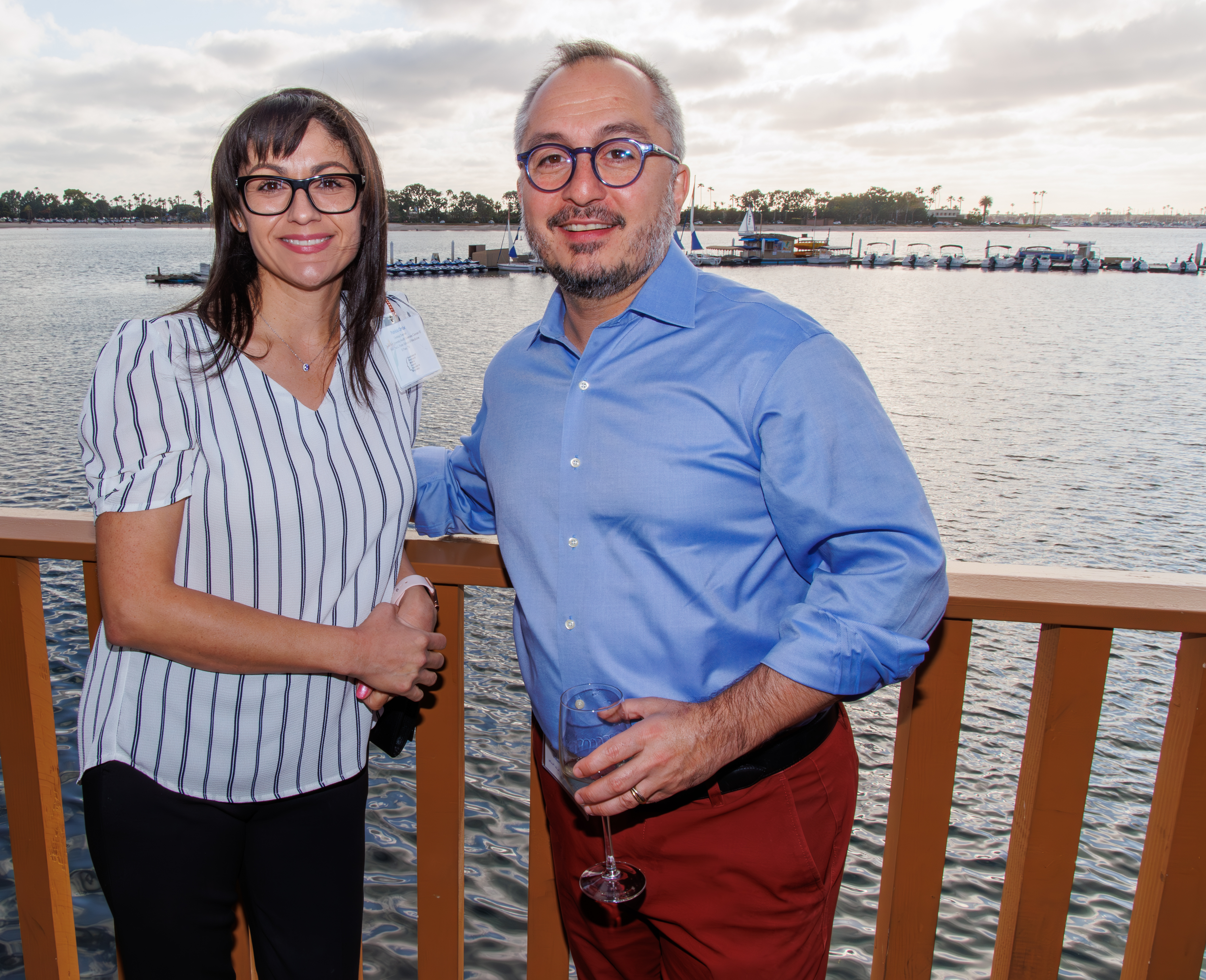
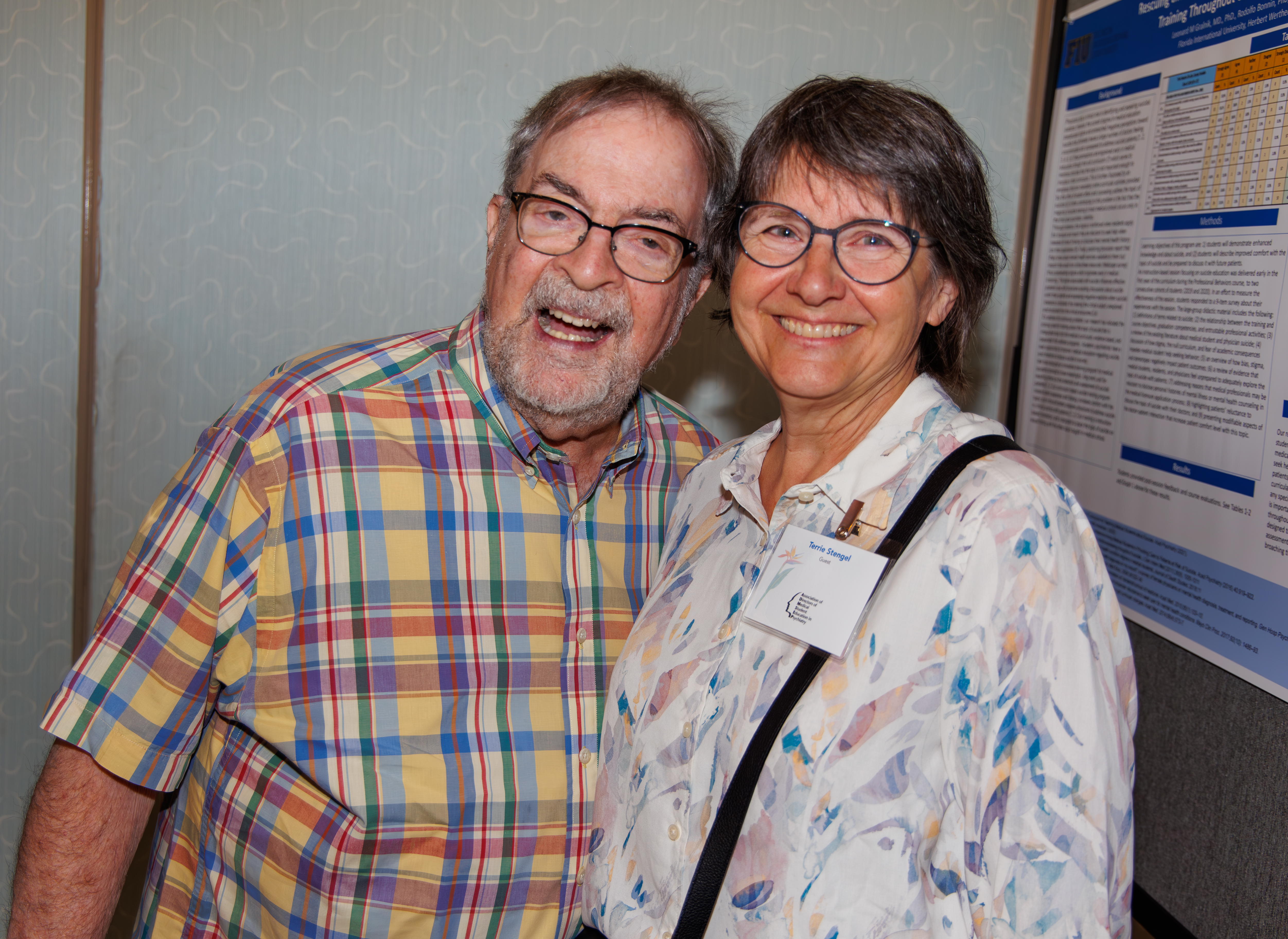
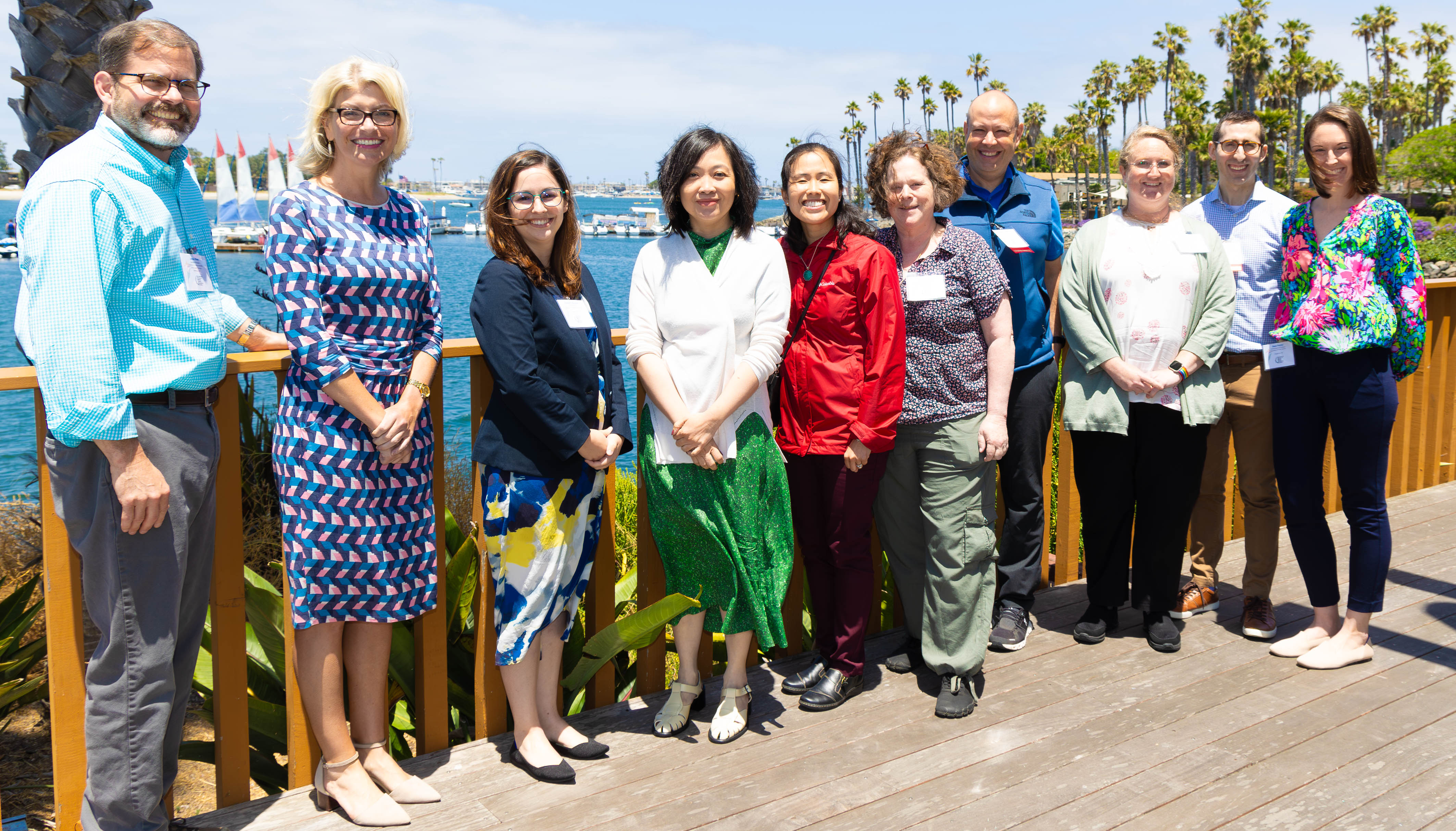
| Award Winners | Photos |
| Locations | Presentations |
Future Meetings
Get Involved
Benefits and Information
Physician Educators
Committees Task ForcesSpecial Interest Groups Standardized LOR
Residents
See our public Learning Resources.
Enjoy $50 annual Membership and a discounted Meeting rate.
Present at our annual meeting and be considered for an award, such as the Distinguished Trainee Scholarship Poster Award.
Students
AADPRT virtual recruitment fairs 2022 are organized by region and are intended to introduce medical students to psychiatry residency programs. Registration is limited to 200 per fair.
Learn in-depth with the CSI eModules.
Letter of Recommendation Template for Psychiatry Residency Applicants- Updated
Clerkship Administrators
See how we can enrich your skills Learning Resources Enjoy $40 annual Membership and a discounted Meeting rate.
News & Resources